
Apple Watch Fall Detection vs Alternatives: A 2026 Comparison
Apple Watch fall detection is well-known — but it is not the only option, and not always the best for every family. A neutral 2026 comparison of fall-detection wearables, what they actually detect, and what they miss.
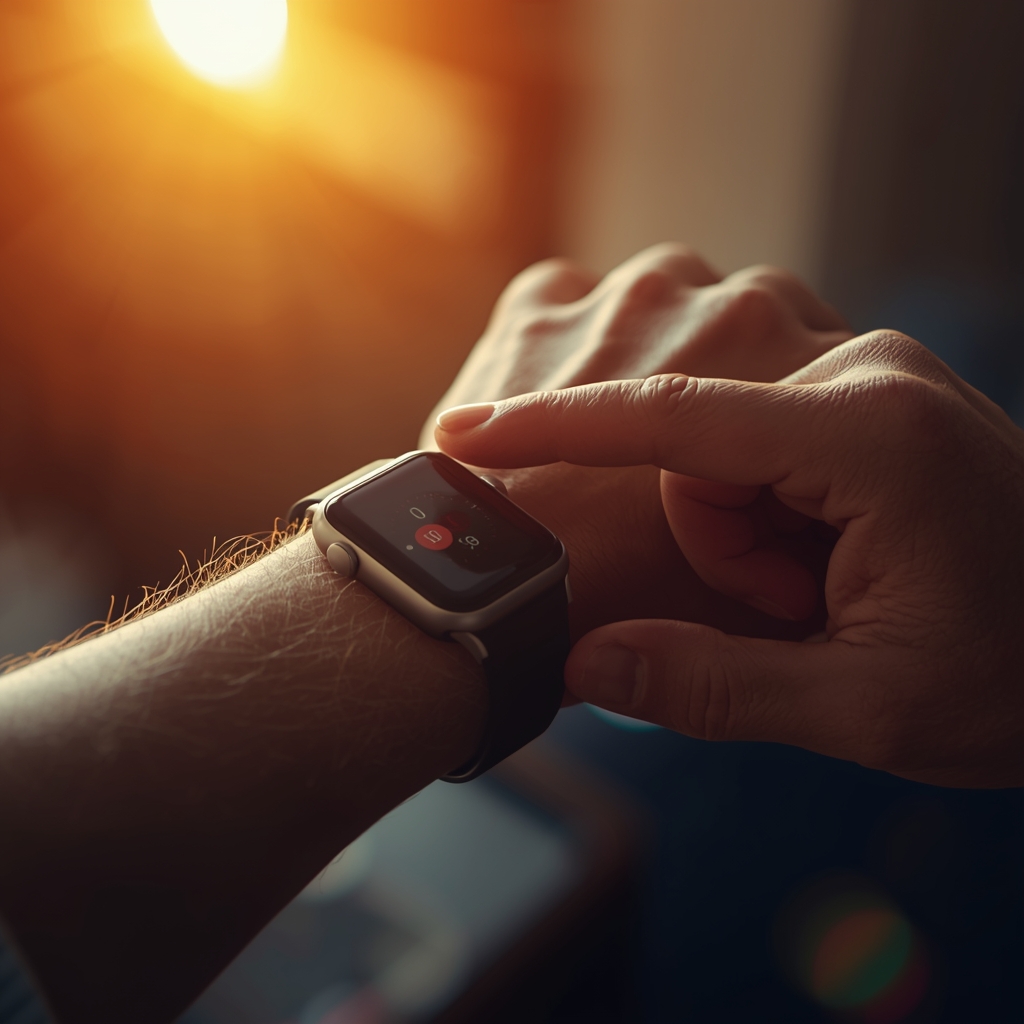
If you have searched for a fall-detection wearable for a parent, grandparent, or yourself, you have almost certainly landed on the Apple Watch first. It is the most-marketed device in this category and, for many families, the only one they have heard of. But Apple Watch is not the only option — and depending on what you actually need, it may not be the best one. This guide compares Apple Watch fall detection with the main alternatives in 2026, in plain English, with the trade-offs each one carries.
- What Apple Watch fall detection actually does (and what it does not)
- How Samsung Galaxy Watch, Garmin, Google Pixel Watch and dedicated pendants compare
- Where Android-first families fit in
- The questions that matter more than the brand
How Apple Watch Fall Detection Works
Apple introduced hard-fall detection with Series 4 in 2018, using the accelerometer and gyroscope to recognise the motion signature of a fall and the immobility that often follows. According to Apple support documentation, if a hard fall is detected and the wearer does not respond within roughly 60 seconds, the watch attempts to call emergency services and sends the location to the wearer s emergency contacts. From watchOS 8 onward, fall detection runs not only during workouts but also during everyday activity, for users aged 55 or older by default — younger users can enable it manually.
In practice this works well for the use case Apple designed it for: a single adult, paired with an iPhone, who carries the phone most of the time, and lives in a country where iPhone-based emergency calling is supported. Independent reviews and emergency-room anecdotes from 2019 onward have repeatedly confirmed that the system has saved lives. That is real, and it is not in dispute.
Where Apple Watch Starts to Strain
The honest limits show up the moment the household does not fit that profile.
1. The iPhone requirement. Apple Watch fundamentally depends on iOS. If the elderly parent uses an Android phone — or no smartphone at all — Apple Watch is not a realistic option. Apple Watch with cellular plan can operate without the phone for calls, but pairing, setup, and most account flows still need an iPhone owned by someone in the household.
2. Battery life. Most Apple Watch models last 18–36 hours per charge. For a person living alone, who may forget to put the watch back on the charger, that is a meaningful gap in coverage every single day. A watch that is not on the wrist cannot detect anything.
3. False positives during normal activity. Hard-fall algorithms necessarily trigger on impacts that look like falls — dropping the arm on a table, vigorous physical work, certain dance moves. Apple has tuned this carefully, but no fall detector is immune. Some older users disable the feature after a few false alarms, which removes the protection entirely.
4. The 60-second window. If the wearer is conscious enough to dismiss the alert but not actually safe (for instance, after a stroke that affects judgement), the call never goes out. Family members are not notified unless the wearer chooses to share data.
5. The "what counts as an emergency" gap. Apple Watch fall detection is, by design, a hard-fall detector. It does not detect gradual decline, a person sitting confused on the floor without having fallen hard, or a long period of unusual immobility that is not preceded by an impact.
Fall detection is one signal, not a complete safety system. Treat any wearable as one layer of a plan, not as the plan itself.
Samsung Galaxy Watch
Samsung Galaxy Watch (Watch 4 and newer, on Wear OS) offers a comparable hard-fall detection feature that triggers an SOS countdown and can notify contacts and emergency services. Setup is via the Samsung Health and Galaxy Wearable apps, and requires an Android phone — typically a Samsung phone for the smoothest experience, though it works with other Android brands.
For Android-first households this is the closest equivalent to Apple Watch. The strengths are similar: tight integration with the phone, good app ecosystem, decent battery (1–2 days). The weaknesses are also similar: needs daily charging, requires the wearer to have a paired smartphone, and is fundamentally a wellness watch with safety features bolted on.
Google Pixel Watch
Pixel Watch (Pixel Watch 2 onward) added fall detection in late 2023, working with the Personal Safety app on Android. It targets the same hard-fall scenarios. Real-world performance is improving with each generation but the device is younger than Apple s, so the long-tail testing base is smaller. The other practical considerations match Galaxy Watch: needs an Android phone, daily charging, mid-range battery.
Garmin and Fitness-First Watches
Garmin watches (Forerunner, Venu, Vivoactive, Fenix) include "Incident Detection" during specific activities — running, cycling, walking — and "Assistance" which sends a manual SOS with location to chosen contacts. Battery life is the headline advantage: a week to several weeks per charge depending on the model.
The trade-off is honest: Garmin incident detection is built around outdoor activity, not 24/7 indoor monitoring of an elderly person. It can notify family contacts but does not directly dial emergency services in most countries. If the user is an active retiree who walks, hikes or cycles, Garmin is excellent. If the user is largely housebound, it is not the right tool.
Dedicated Medical-Alert Pendants (Lively, Bay Alarm, MobileHelp, Philips Lifeline)
Pendant-style medical-alert systems have existed for decades and remain a serious option, especially for users who cannot or will not wear a smartwatch. The advantages: very long battery life, simple button, professional 24/7 monitoring centre, no smartphone required. Many include automatic fall detection in the pendant or wristband.
The disadvantages: ongoing monthly fees that can exceed €30–€50, the social stigma some older users feel about wearing an obvious "help button", and the limitation that data stays in the monitoring centre rather than flowing to family. Modern adult children often want to see trends — sleep, activity, heart rate — and traditional pendants offer none of that.
Where AlvoTriX Fits In
AlvoTriX takes a different architectural choice: instead of building yet another watch, it works with the wearables people already own — Samsung Galaxy Watch, Mi Band, Wear OS devices, Polar, Garmin, and others — and adds a continuous monitoring layer on top. The AlvoTriX phone app reads sensor data from whichever wearable the user already has, runs detection locally (fall, heart-rate spikes, on-body status, immobility), and sends SMS alerts directly from the phone without needing internet for the emergency message itself.
Concretely, this means:
- Bring-your-own-wearable. If your parent already loves their Mi Band 9 or Galaxy Watch 6, you do not need to buy a new device. AlvoTriX runs as a phone-side companion.
- Family-facing alerts. The first SMS goes to family contacts (your phone), not only to emergency services. You decide together when to escalate.
- Modular detection. Fall is one of ten modules. Others cover stress patterns, sleep, panic-button SOS, and special-needs scenarios. Families pick what they need rather than paying for a full medical-alert plan.
- Offline-capable SMS path. The alert SMS is sent by the phone s SIM, not by a cloud service. If the home internet is down, the message still goes out.
AlvoTriX is not a medical device, and we are explicit about that everywhere in the product. It is a safety-net layer that surfaces signals to the family. For someone whose life truly depends on a clinical-grade monitored response, a regulated medical-alert service may still be the right answer — possibly in addition to a wearable.
Works with the wearable you already own
Samsung, Xiaomi, Garmin, Polar, Wear OS — no new device needed. From €7.90/month per module.
See Plans & Pricing →How to Choose: A Three-Question Filter
Rather than picking a brand first, work backwards from these three questions:
- Who responds to the alert — family or a monitoring centre? Families with engaged adult children often prefer family-first alerts. Users living alone with distant relatives may prefer a 24/7 centre.
- What phone does the wearer use? iPhone → Apple Watch is the path of least resistance. Android or no smartphone → Galaxy Watch, Pixel Watch, AlvoTriX with a phone-paired wearable, or a pendant.
- Will the device actually be worn? The most sophisticated fall detector in the world cannot help if it sits on the bedside table. Comfort, charging routine, and the wearer s own opinion of the device matter more than any spec.
The Honest Bottom Line
Apple Watch fall detection is excellent for the household it was designed for: iPhone-using adult, willing to charge daily, comfortable with the watch. For everyone else, alternatives are not just acceptable — they are often better suited. Galaxy Watch and Pixel Watch close the gap for Android families. Garmin serves the active-retiree segment. Pendants serve users who cannot or will not wear a smartwatch. AlvoTriX serves families who want family-first alerts on top of whichever wearable already works for them.
The best fall detector is the one that ends up on the wrist every day, with a person who trusts it and a family who responds when it speaks up. Pick the brand last.
Disclaimer: AlvoTriX is not a medical device and does not provide clinical diagnoses. No fall-detection wearable replaces emergency services. In any life-threatening situation, contact local emergency services immediately. Product capabilities and pricing described in this article reflect public information as of May 2026 and may change. Apple Watch, Samsung Galaxy Watch, Google Pixel Watch, Garmin, Mi Band, Lively, Bay Alarm, MobileHelp, and Philips Lifeline are trademarks of their respective owners; AlvoTriX is not affiliated with these brands.