
Gesture SOS Wearable for Safety: How It Works
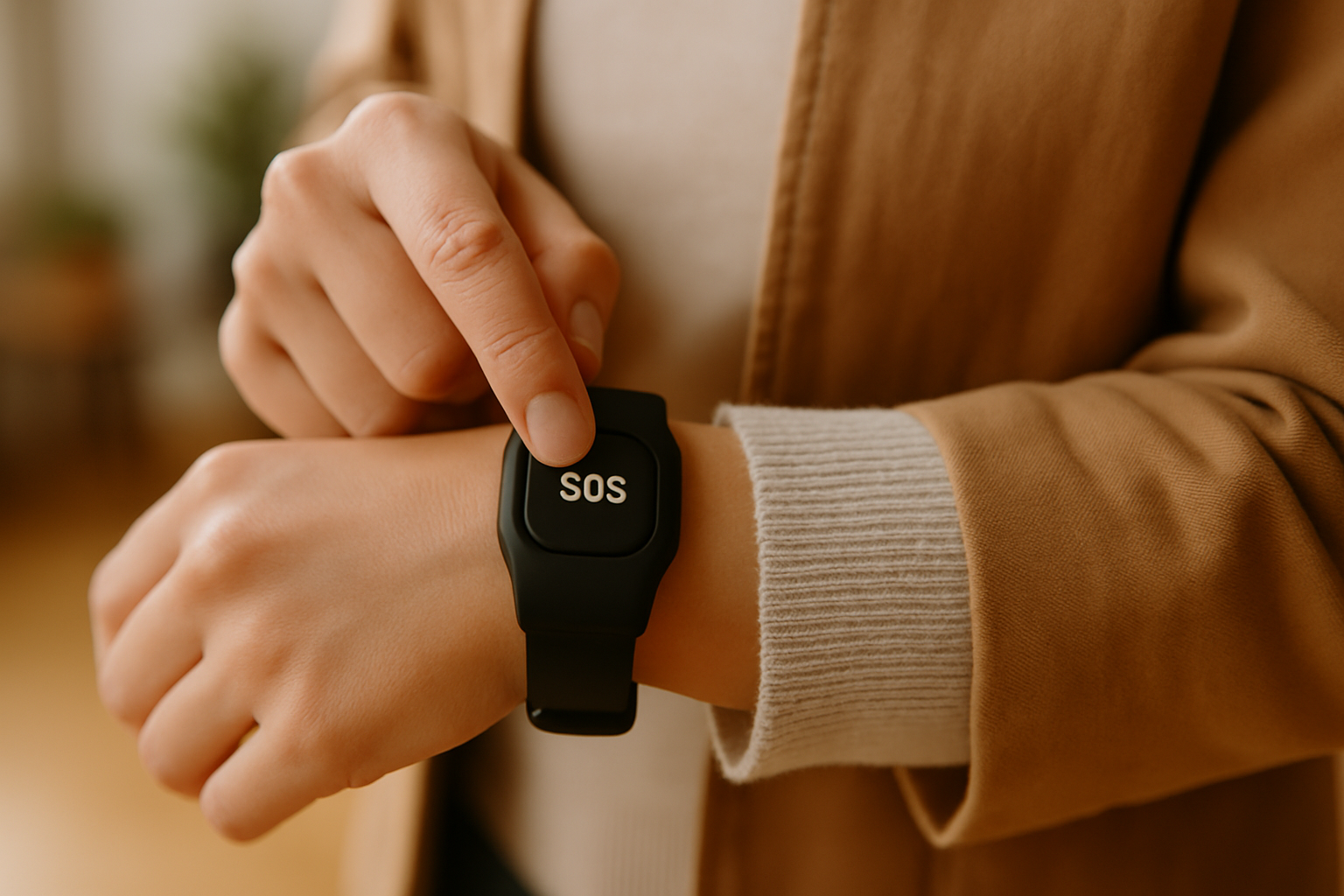
Imagine your elderly mother living alone. A simple wrist flick on her Galaxy Watch can alert you in seconds if she needs help. The gesture SOS wearable for safety is a crucial tool for such scenarios, offering quick response capabilities when needed most.
The Panic & SOS Module: How It Works
The Panic & SOS module from AlvoTriX enables your wearable to send alerts to trusted contacts with a simple gesture. This feature is invaluable during emergencies, providing a non-intrusive way to signal distress without needing to reach for a phone.
Best Wearables for Gesture SOS
Not all wearables are created equal when it comes to safety features. The Samsung Galaxy Watch 4-7, Google Pixel Watch, and Xiaomi Mi Band 5-9 stand out for their compatibility with the AlvoTriX platform. These devices are optimized to leverage the Panic & SOS module efficiently.
Setting Up Gesture SOS on Your Wearable
- Ensure your wearable is compatible with AlvoTriX. Refer to the compatibility list.
- Download the AlvoTriX Core app on your Wear OS device.
- Open the app and navigate to the Panic & SOS module.
- Set up your trusted contacts by entering their phone numbers.
- Practice the gesture that triggers the SOS alert.
Understanding the Limitations
While AlvoTriX is a powerful tool, it's essential to understand its limitations. The system is a risk indicator and not a diagnostic tool. Conservative thresholds are in place to reduce unnecessary alerts. Although it functions offline on the wearable, your paired phone needs cellular connectivity to send SMS alerts.
Pricing and Related AlvoTriX Protections
The Panic & SOS module is available for €7.90/month, offering a cost-effective way to enhance your safety measures. Consider bundling with other AlvoTriX modules for a comprehensive protection plan. Explore all available modules on the AlvoTriX modules page.
For a deeper dive into optimizing your smartwatch for silent alerts, check out the full guide to silent sos smartwatch.
Key Takeaways
- Gesture SOS wearable for safety provides quick alerts with a simple wrist flick.
- Compatible with over 80 Android wearables including Galaxy and Pixel Watches.
- Requires cellular connectivity on the paired phone for SMS alerts.
- Part of a flexible, à la carte subscription model.
FAQ
How do I perform the SOS gesture?
The SOS gesture varies by device but typically involves a specific wrist motion. Refer to your device manual for detailed instructions.
What happens if there's no cellular connection?
Without cellular, the SOS signal will not send an SMS, but the alert will still register in your AlvoTriX dashboard.
Can I use this feature without a subscription?
No, a subscription to the Panic & SOS module is required to access this feature. AlvoTriX offers a 30-day money-back guarantee on all subscriptions.
Disclaimer: AlvoTriX is a risk indicator, not a medical device or diagnostic tool. It does not replace professional medical assessment or emergency services.