
Child Safe Zone Alert Smartwatch: Setup Guide
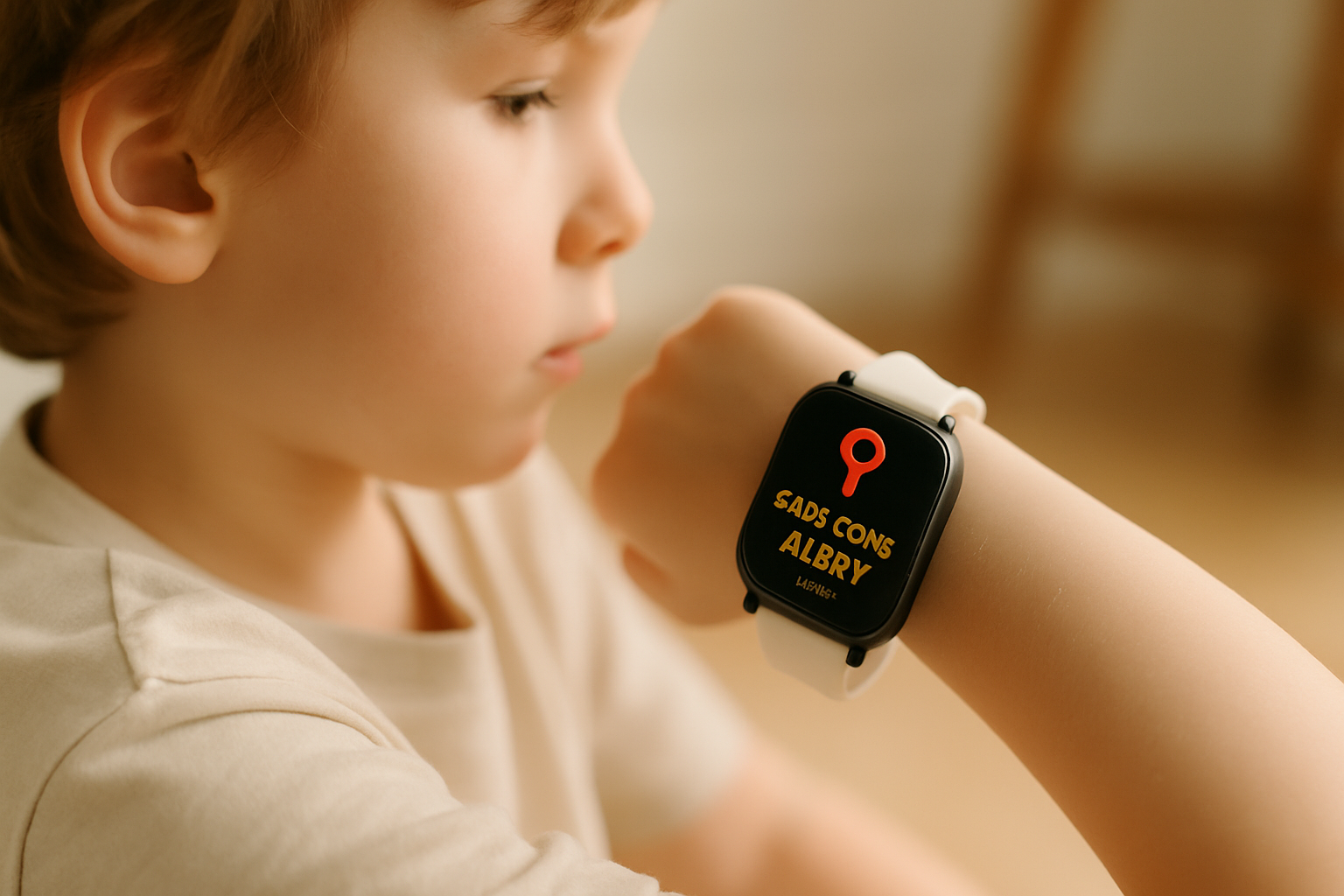
Setting up a child safe zone alert smartwatch can effectively ensure your child's safety within predefined areas. Whether you're concerned about their safety at home, school, or daycare, the Geofence Guardian module helps you monitor their location and receive alerts promptly.
The Real-Life Situation
Imagine this: your child is on their way to school and you want to make sure they arrive safely. With a child safe zone alert smartwatch, you can define areas where they should be at specific times, ensuring their safety throughout the day.
What Geofence Guardian Does
The Geofence Guardian module on AlvoTriX notifies you when your child enters or exits predefined zones. This feature is invaluable for monitoring their locations without constant check-ins, providing alerts for curfews or unexpected travel.
Best Wearable Models for Geofence Guardian
To fully utilize the child safe zone alert smartwatch, consider these compatible models: Samsung Galaxy Watch 4, Fitbit Versa, Xiaomi Mi Band 7, and Huawei Band 6. These Android-supported devices seamlessly integrate with AlvoTriX.
Step-by-Step Setup
- Download the MyAlvoTriX app on your device.
- Pair your child's smartwatch with the app.
- Navigate to the Geofence Guardian settings.
- Define the safe zones: home, school, daycare.
- Set up curfew alerts for specific times.
- Save settings and test alerts to ensure functionality.
Honest Limitations
While the Geofence Guardian is a powerful tool, it's important to note that it serves as a risk indicator, not a diagnostic device. Alerts work over the phone's mobile network, but the paired phone requires cellular data for SMS notifications.
Pricing and Related Protections
At just €7.90 per month, the Geofence Guardian module offers affordable safety for your child. Pair it with other AlvoTriX modules for comprehensive protection. Explore all modules at AlvoTriX Modules.
For a broader understanding, refer to the full guide to dementia GPS tracker watch.
- Set up safe zones at home, school, and daycare.
- Use curfew alerts for better monitoring.
- Compatible with Android-supported wearables only.
- Affordable monthly subscription with no long-term commitment.
Key Takeaways
What makes Geofence Guardian essential for parents?
Geofence Guardian provides real-time alerts when your child enters or exits predefined zones, ensuring their safety during school commutes or at play.
Can I use Geofence Guardian without an internet connection?
The wearable itself doesn't require internet, but the paired smartphone must have cellular data for SMS alerts to function.
Which devices are compatible with AlvoTriX?
AlvoTriX supports over 80 Android-compatible wearables, including Samsung Galaxy Watch and Fitbit models, but not Apple Watch.
Visit compatibility details for a full list.
What is the cancellation policy for AlvoTriX subscriptions?
AlvoTriX offers a flexible subscription model with a 30-day money-back guarantee and the option to cancel anytime without penalties.
Disclaimer: AlvoTriX is a risk indicator, not a medical device or diagnostic tool. It does not replace professional medical assessment or emergency services.